

Virus or malware infection? We can fix it.
Pop-ups, redirects, ransomware or a computer acting on its own? We remove infections completely, protect your data, and get your speed back.

Pop-ups that will not stop, a browser that redirects itself, a machine that got slow overnight: infections announce themselves in patterns we see every week. Professional removal cleans the infection at its source, keeps your files intact, and closes the door it came through, which a factory reset never does.
The usual suspects
Different causes, very different fixes. This is what our bench finds most often.
Fake downloads and installers
Free software bundled with junk, fake update prompts and lookalike download buttons are the top infection path we trace.
Phishing emails and links
One convincing attachment or login page is all it takes, and the infection often arrives silently.
Expired antivirus
Protection that stopped updating leaves the door open while still showing a reassuring icon in the corner.
Browser hijackers
Extensions and junkware that reroute your searches, change your homepage and inject ads into every page.
Ransomware
The worst case: files encrypted and held hostage. Fast, correct response matters more here than anywhere.
Tech-support scams
Fake warning pages and cold calls that talk victims into installing remote-control software for the scammer.
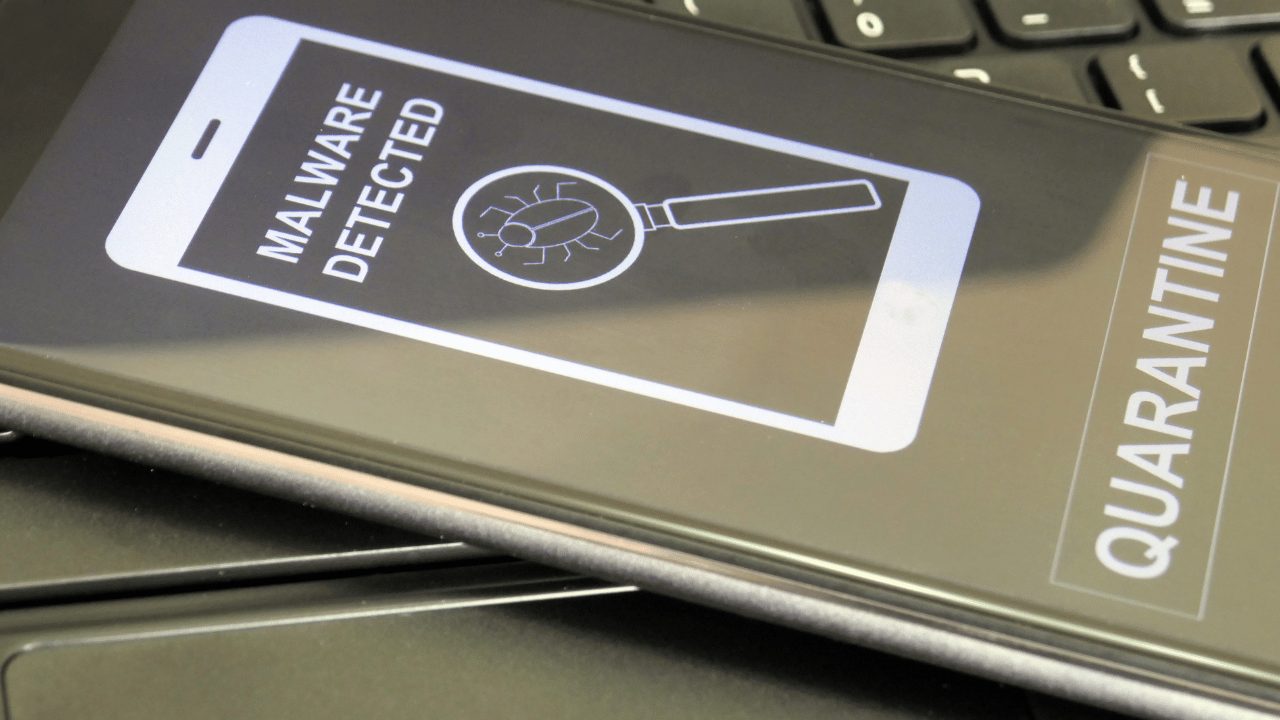
Signs you might see
Five safe checks before you spend a dime
These steps fix a surprising share of cases and cannot make anything worse.
Disconnect from the internet
If you suspect an active infection, pulling Wi-Fi or the cable limits what it can steal or download next.
Do not pay, do not call
Ransom notes and pop-up phone numbers are both traps. No legitimate warning asks for gift cards or remote access.
Change passwords from a clean device
Use your phone or another computer for email and banking passwords, not the infected machine.
Note what you saw
The pop-up wording, the fake program name, when it started: details speed up removal and help identify the entry point.
Skip the second antivirus
Installing three more scanners on an infected machine mostly adds conflicts. One proper cleanup beats five overlapping tools.
When to stop
If ransomware is on the screen or you gave a caller remote access, power the machine down and bring it in as-is. Do not pay anything before talking to us, and change your key passwords from a clean device right away.
Steps didn't help?
Then it needs the bench. Bring it in, walk-ins welcome, and the diagnostic applies toward your repair.
Book a repairWhat happens on our bench
Deep multi-engine scanning
Professional tools that find the rootkits and persistence tricks consumer scans miss.
Removal at the source
Infections removed along with their scheduled tasks, services and hiding places, so they do not respawn next boot.
Damage cleanup
Browsers, hosts file, startup entries and system settings repaired after the infection is gone.
Entry-point identification
We tell you how it got in, whether a bundled installer, expired protection or a phishing link, so it does not repeat.
Protection done right
Expired antivirus removed, current protection configured, and safe-browsing settings applied.
Files kept intact
Cleanup with your documents and photos preserved. If a wipe is ever truly safer, we back up first and ask first.
What it costs
You approve every price before work begins, and your diagnostic fee applies toward the repair.
Why professional removal beats a factory reset
A factory reset deletes your files along with the infection and skips the most important question: how did it get in? Without that answer, the same download habit, phishing link or expired protection reinfects the fresh install within weeks. Professional removal keeps your documents and photos, cleans the infection at its persistence points, and identifies the entry so it stays closed.
It is also more thorough than it sounds. Modern malware hides in scheduled tasks, browser policies and system services precisely to survive casual cleanups. Our bench tools dig those out, and the machine leaves with current protection configured instead of the expired scanner that let this happen.
Slow, weird, or chatty: reading infection symptoms
Not every infection throws pop-ups. Some just spend your computer quietly: a machine that got slow overnight, a fan that runs hard at idle, a browser that takes the scenic route through ad servers, or contacts receiving emails you never sent. Any of those on their own justifies a scan; together they are close to a diagnosis.
Bring the machine to our Hendersonville shop or book a remote session at $70 per hour for lighter cases. Most cleanups finish the same or next day, and your files come through intact.
Services that solve this
Frequently asked
In most cases, yes. We start with a diagnosis to find the real cause, then give you a clear price and timeline before any work begins.
Virus or malware infection? Let's fix it.
Tell us what's going on and pick a time. No charge to reserve, and your diagnostic applies toward the repair.
Tell us about your device
The more detail, the faster we diagnose.