

Upgrade to Windows 11 - the right way
Supported and unsupported PCs, fully managed by GeekzUP. We evaluate your hardware, back up everything, install Windows 11 cleanly, and hand back a faster, more secure PC with your files exactly where you left them.
Windows 10 support ended October 14, 2025
PCs still on Windows 10 no longer receive security updates, and every new vulnerability stays open permanently. Consumer Extended Security Updates only bridge to October 2026. Now is the time to move.
What you actually get
More secure
Modern security features and continued updates keep you protected after Windows 10's end of support.
Faster & smoother
A clean, properly configured install clears years of bloat and slowdowns.
Supported platform
Stay on a version Microsoft actively supports and updates.
Your data, safe
We back up and migrate your files, apps and settings carefully.
A clean, careful upgrade
Hardware & compatibility evaluation
We review the processor, motherboard and firmware, memory, storage health, graphics, TPM and Secure Boot readiness, and any manufacturer limitations to pick the best upgrade path for your exact machine.
Complete data backup
Documents, photos and videos, application files, settings, and user profiles are securely backed up before any work is performed.
Clean, tuned installation
We install Windows 11, update every driver, configure security features, and remove bloatware for a fast, stable system.
Restore, optimize & verify
Everything is restored exactly as before, performance is optimized, and activation and updates are validated before handback.
 Clean installs, drivers updated, bloatware removed
Not compatible? We can help.
A quick hardware upgrade is often all it takes to get Windows 11 running great.
- SSD upgrade for speed
- RAM & CPU upgrades
- Enable TPM in BIOS
- Honest advice if it's time for a new PC
“Unsupported” PC? We upgrade those too.
Many customers believe their PC cannot run Windows 11 because Microsoft calls it unsupported. GeekzUP specializes in upgrading these exact systems using controlled, professional procedures that keep them stable, safe, and usable long-term.
Unsupported situations we handle
- No TPM, or TPM 1.2 only
- Intel 6th and 7th generation CPUs or older
- AMD processors outside the official support list
- Legacy BIOS with no native Secure Boot
- Older motherboards with outdated firmware
- Branded or all-in-one systems that fail official checks
- Laptops below memory or CPU generation guidelines
- Storage using non-standard configurations
Our team performs a deep analysis to determine the correct upgrade method for each case, and we only proceed when the result will genuinely run well.
Advanced system diagnosis
We evaluate internal hardware, drivers, firmware locks, storage partitions, and system limitations to shape the safest upgrade approach.
Professional bypass techniques
Verified, controlled methods that allow Windows 11 to install on unsupported hardware, tailored to each specific machine.
Firmware & boot preparation
Custom boot adjustments, compatibility preparation, storage optimization, partition corrections, and BIOS reviews, handled entirely by us.
Driver calibration for older hardware
Graphics, chipset, and device drivers tuned so older hardware runs Windows 11 smoothly and stays updatable.
Windows 11 FAQ
Officially, Windows 11 requires a supported CPU (8th-gen Intel / Ryzen 2000 or newer), TPM 2.0, and Secure Boot. Bring your PC in or book online and we will check for you. Even if it fails the official checks, our unsupported-system upgrade can usually still get you there safely.
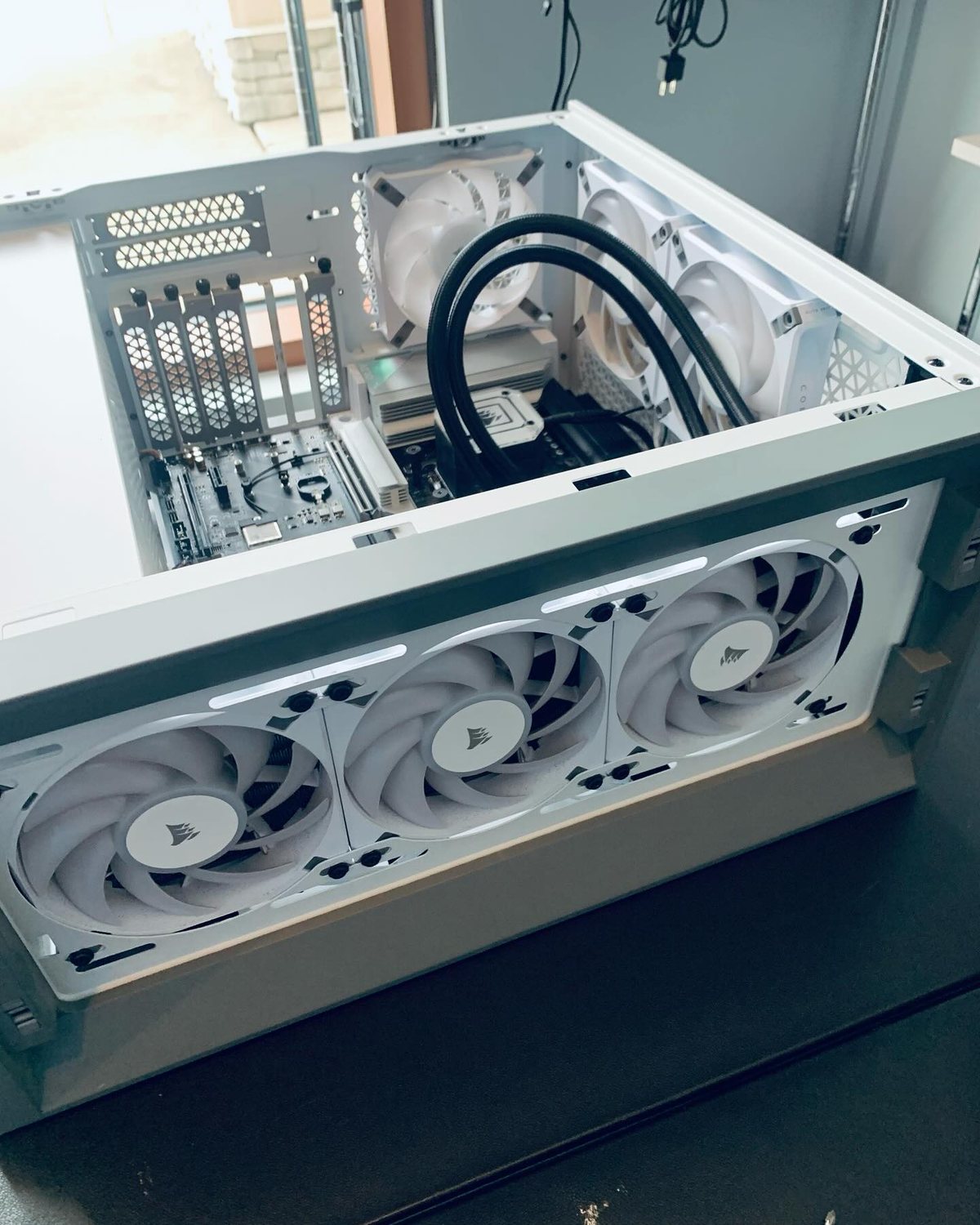
Ready for a faster, safer PC?
Book your Windows 11 upgrade - compatibility checked, data kept safe, done in-house.