

Computer won't turn on? We can fix it.
A dead laptop or PC is usually fixable, and often cheaper than you'd think. We diagnose no-power and no-boot issues fast and tell you exactly what it'll take.
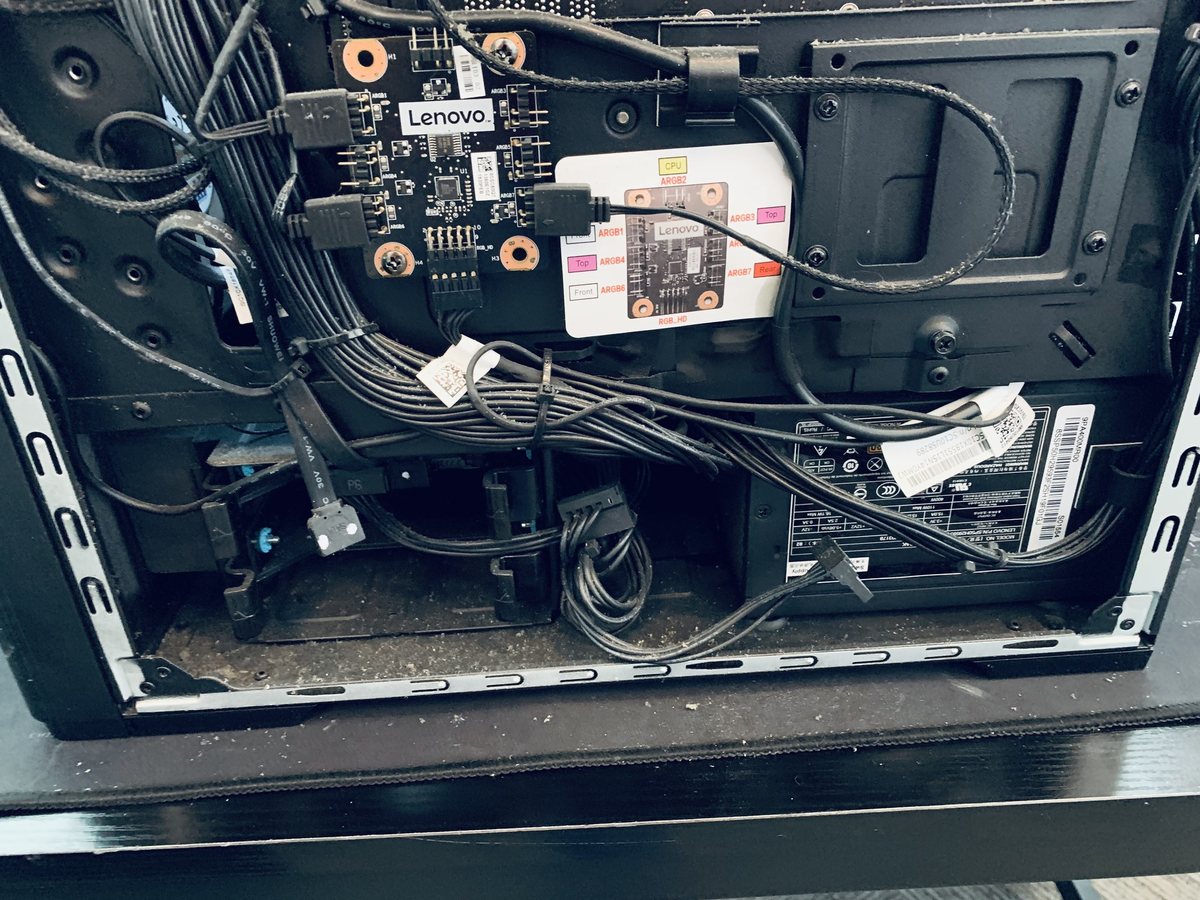
Dead computers arrive at our Hendersonville bench every week, and a surprising number leave the same day: a failed charger, a worn battery, a loose module or a tripped power supply, not a dead machine. The $80 diagnostic finds the real fault, applies toward your repair, and your files are treated as the priority from the first minute.
The usual suspects
Different causes, very different fixes. This is what our bench finds most often.
Failed power supply or charger
The number one culprit. Desktop PSUs age and trip, laptop chargers fray and die, and both mimic a dead computer perfectly.
Worn or dead battery
A laptop with a flat, failed battery and a weak charger will not even blink. Often the cheapest fix on this list.
Power surge or outage damage
Storms and flickers kill power supplies first and motherboards second. If it died after bad weather, this is the prime suspect.
RAM or connection faults
A memory module or cable that has lost contact stops the machine from ever reaching the logo. Reseating and testing sorts it out.
It's on, the screen is not
Fans spin, lights glow, screen stays black: frequently a display or cable fault, which is a very fixable repair.
Motherboard or power-rail fault
The serious end of the list, and still repairable more often than people expect. We test before we ever condemn a board.
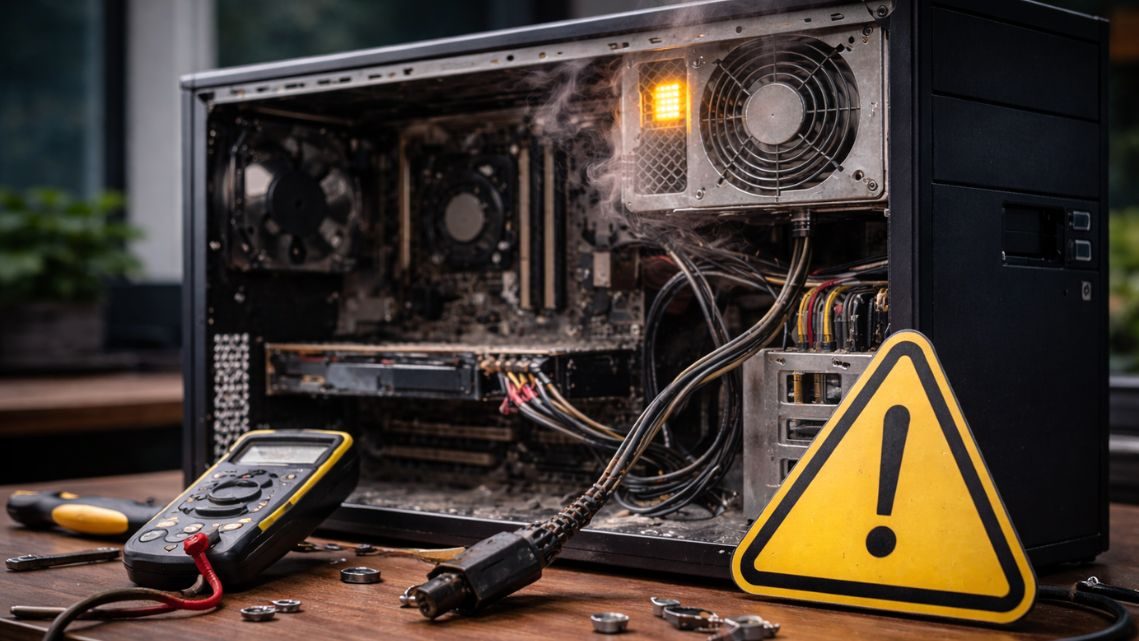
Signs you might see
Five safe checks before you spend a dime
These steps fix a surprising share of cases and cannot make anything worse.
Check the outlet and skip the power strip
Plug a lamp into the same outlet, then plug the computer straight into the wall. Power strips and surge protectors fail silently.
Laptops: check the charging light
No light when the charger is plugged in points at the charger or the port. Borrow a compatible charger if you can.
Do a 30-second hard reset
Unplug power, hold the power button for a full 30 seconds, then reconnect and try again. This clears stuck power states surprisingly often.
Test with an external monitor
If fans spin but the screen stays black, connect a TV or monitor. A picture there means the computer lives and the display path is the fault.
Unplug every accessory
A shorted USB device can stop a computer from starting. Disconnect everything except power and try again.
When to stop
Stop and unplug the machine if you smell burning, hear clicking from inside, or the failure followed a storm or a spill. Repeated power attempts on damaged hardware can turn a repairable fault into a lost one, and it puts your data at risk.
Steps didn't help?
Then it needs the bench. Bring it in, walk-ins welcome, and the diagnostic applies toward your repair.
Book a repairWhat happens on our bench
Bench power diagnosis
We test the wall-to-board power path: charger or PSU output, jack, rails and switch, and find exactly where it dies.
Charger, jack & battery testing
Real load testing on chargers, ports and batteries, the three parts that cause most dead laptops.
Component isolation
RAM, storage, display and board tested separately so the diagnosis names the part, not a guess.
Board-level repair
Power rails, jacks and board faults repaired where it makes economic sense, with an honest verdict where it does not.
Data-first handling
Your drive is protected before risky work begins. Even when a machine is beyond saving, the files usually are not.
Same or next-day on most
No-power faults are bread and butter for our bench, and most are diagnosed the day they arrive.
What it costs
You approve every price before work begins, and your diagnostic fee applies toward the repair.
Why a computer suddenly won't turn on
Computers rarely die of nothing. Power supplies and chargers wear out and fail, storms send spikes through cheap power strips, batteries reach the end of their chemistry, and sometimes a single memory module losing contact is enough to keep a machine dark. Each cause leaves its own fingerprints: a blink pattern, a beep code, a click, or a silence that a proper bench test can read.
That is why the diagnostic matters more on a dead machine than on any other repair. Guessing means buying parts the computer never needed. Our $80 diagnostic (up to two hours of testing, applied toward the repair) names the actual fault, and you approve the exact price before any work begins.
A dead computer is not dead data
The machine and the files inside it live very different lives. In most no-power cases the storage drive is perfectly healthy, and your photos, documents and business records are one careful transfer away from safety. We treat data as the priority on every dead-computer job: protect the drive first, repair second.
Even when the honest verdict is that the computer is not worth reviving, we can usually recover your files (from $99) and move them to a new machine, so the worst day for your hardware is not the worst day for your memories.
Services that solve this
Frequently asked
In most cases, yes. We start with a diagnosis to find the real cause, then give you a clear price and timeline before any work begins.
Computer won't turn on? Let's fix it.
Tell us what's going on and pick a time. No charge to reserve, and your diagnostic applies toward the repair.
Tell us about your device
The more detail, the faster we diagnose.