
SSD vs HDD in plain English: real speed differences, what an upgrade costs, who still needs a hard drive, and why an SSD is the best money an older PC can spend in 2026.
Short answer: yes. If your computer still boots from a spinning hard drive in 2026, an SSD upgrade is the single best performance purchase available at any price, and it is not close. Here is the honest breakdown we give customers at the counter, including the cases where a hard drive still makes sense.
What is the actual difference?
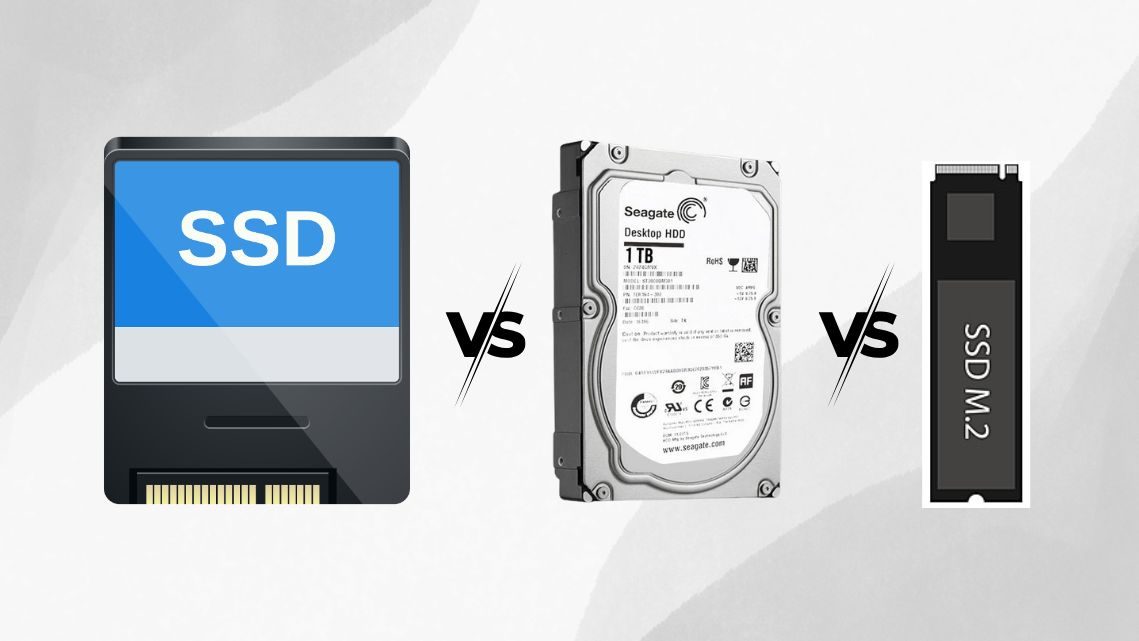
A hard disk drive (HDD) stores data on spinning magnetic platters read by a mechanical arm, technology that is fundamentally decades old. A solid state drive (SSD) stores data in flash memory chips with no moving parts. No spinning up, no seeking, no mechanical wear from a bumpy backpack, and no comparison in responsiveness.
| What you feel | Old hard drive | SSD |
|---|---|---|
| Windows boot | 1 to 3 minutes | 10 to 20 seconds |
| Opening big programs | 10 to 30 seconds | 1 to 3 seconds |
| Copying a large folder | Minutes | Seconds |
| Laptop battery life | Worse (motor + heat) | Better |
| Noise | Clicks and hums | Silent |
| Survives drops | Poorly | Very well |
Why the whole computer feels new
Storage is the bottleneck in most older machines. The processor spends its time waiting for the drive, so everything, boot, login, browsers, updates, file windows, inherits the drive's slowness. Replace the drive and the same processor suddenly gets its data on time. Customers regularly tell us the upgrade feels like a new computer, because functionally it is the same computer minus its slowest part.
NVMe vs SATA: which SSD do you need?
SATA SSDs fit the same connector as old hard drives and are the classic upgrade for older laptops and desktops. NVMe drives plug into an M.2 slot on newer boards and are several times faster again, which matters for large file work and modern gaming. The honest guidance: going from HDD to any SSD is the transformation; going from SATA SSD to NVMe is a refinement. We check what your machine supports before you buy anything.
Where a hard drive still makes sense
- Bulk storage: terabytes of photos, video projects, or backups are still cheapest per gigabyte on HDD
- Backup drives that sit on a shelf, where speed is irrelevant
- Media libraries and archives on desktops with room for both drives
The winning setup for desktops in 2026 is the same one we build daily: an SSD for the operating system and programs, plus a big hard drive for mass storage. Laptops simply get the SSD.
What an SSD upgrade involves at GeekzUP
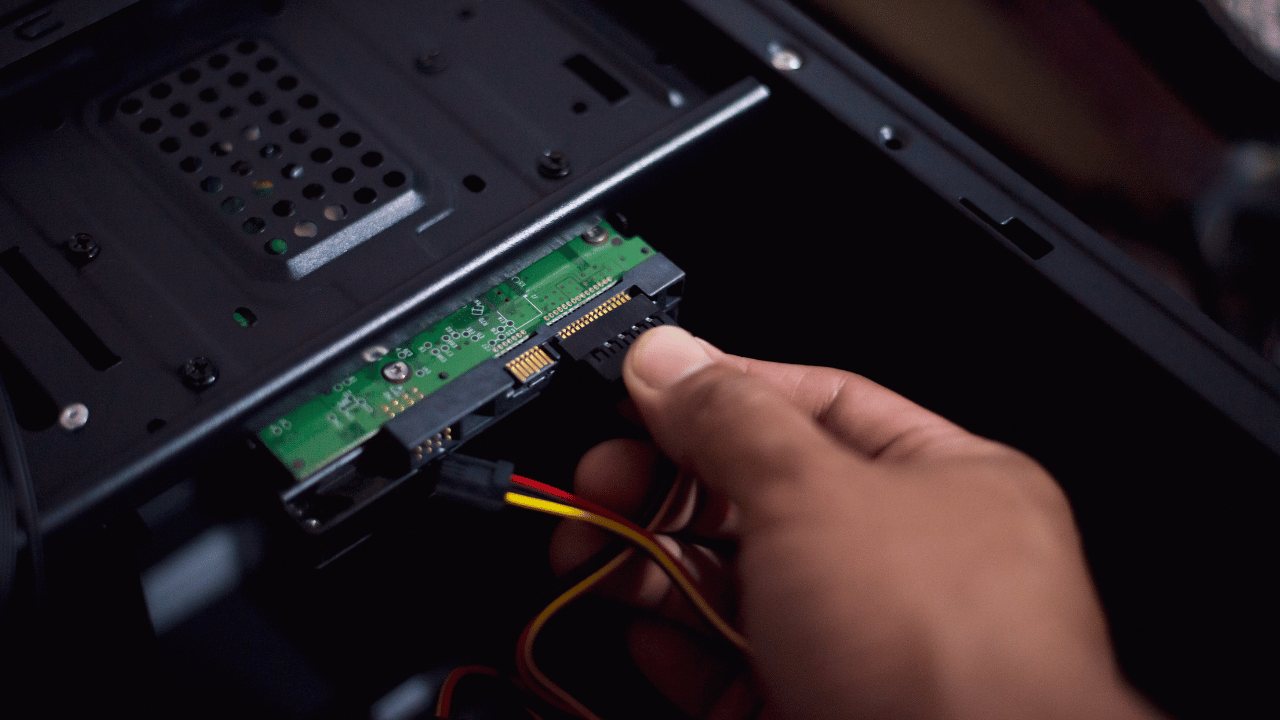
- 1We check your machine's connections (SATA or NVMe) and recommend the right drive and size
- 2Your entire existing system, Windows or macOS, programs, files, settings, is cloned to the new drive
- 3The SSD goes in, the system is tested, and updates and drivers are verified
- 4You get the old drive back, which makes a handy backup
Nothing about your computer changes except the speed. No reinstalling programs, no lost files, no relearning anything. Most SSD upgrades are done the same or next day, and the $80 diagnostic applies toward the work.
Pair it with RAM for the full effect
An SSD fixes storage waiting; RAM fixes multitasking. On older machines we usually quote both, and the pair is still cheaper than any new computer worth buying.
Frequently asked questions
Is an SSD upgrade worth it on an old laptop?
Usually it is the best money you can spend on it. If the laptop uses a spinning drive today, an SSD turns minutes-long boots into seconds and makes the whole machine feel new for a fraction of replacement cost.
Will I lose my files when switching to an SSD?
No. We clone your existing drive to the SSD, so Windows or macOS, your programs, and your files carry over exactly as they were, just faster.
How big an SSD should I get?
500GB is the practical minimum for a main drive in 2026; 1TB is the comfortable choice. Desktop users can pair a smaller SSD with a large hard drive for bulk storage.
SATA or NVMe, which should I buy?
Whichever your machine supports; we check for you. HDD to SATA SSD is the dramatic leap. NVMe is faster still and the default on modern boards, especially worthwhile for gaming and large file work.
Ready for the upgrade?
GeekzUP Team
Veteran-owned computer repair in Hendersonville, TN. Serving Nashville and Middle Tennessee since 2012.